

Did you know millions of online accounts get hacked every year? This is because of weak passwords and not enough security. By learning about two-step verification, you’re taking a big step towards better online security practices.
In this guide, I’ll show you how to set up two-step verification. You’ll see how it can make your account security much stronger. By the end, you’ll know how to keep your online accounts safe.
Key Takeaways
- Understanding the importance of two-step verification for online security
- Learning how to set up two-step verification for your accounts
- Discovering the benefits of enhanced account security
- Identifying the types of accounts that require two-step verification
- Best practices for maintaining strong online security
What is Two-step Verification?
Two-step verification is a key security feature that adds an extra layer of protection to our online accounts. It’s also known as two-factor authentication (2FA). This process requires two different ways to verify who you are.
The first step is usually entering a password or PIN, something you know. The second step involves a code sent to your phone or a biometric scan, something you have or are. This makes it much harder for attackers to get into your accounts, even if they have your password.
Multi-factor authentication goes a step further by requiring more than two factors. But, two-step verification is a common way to implement this. It greatly improves account security by making it hard for attackers to use stolen passwords or other single-factor methods.
“Using two-factor authentication is like adding a second lock to your door; it makes it much harder for intruders to get in.” – Cybersecurity Expert
A comparison of different authentication methods is shown in the table below:
| Authentication Method | Security Level | Convenience |
|---|---|---|
| Password Only | Low | High |
| Two-step Verification | High | Medium |
| Biometric Authentication | Very High | High |
In conclusion, two-step verification is a simple yet effective way to improve account security. By understanding and using this security measure, individuals can greatly reduce the risk of their accounts being compromised.
Why I Recommend Two-step Verification for Everyone
I always look for ways to keep my online presence safe. That’s why I suggest using two-step verification. It adds a strong layer of security to your online accounts.
One big reason I push for two-step verification is its enhanced security. It asks for a password and another form of verification. This makes it tough for hackers to get into your accounts.
Two-step verification isn’t just about keeping your accounts safe. It also gives you peace of mind. When you know your accounts are extra secure, you worry less about cyber threats.
| Benefits | Description |
|---|---|
| Enhanced Security | Protects accounts from unauthorized access |
| Peace of Mind | Reduces anxiety related to cyber threats |
| Flexibility | Offers various authentication methods |
In short, two-step verification is a simple yet powerful authentication method. I think everyone should use it to keep their online presence safe. Learning about its benefits and how it works helps you make a smart choice for your online security.
How Two-step Verification Works
Two-step verification adds an extra layer of security. It uses two different ways to verify who you are. First, you know something like a password. Second, you have something like a phone or a token.
The Importance of a Password
A password is your first defense. It’s something only you should know. A good password is complex and hard to guess.
Using a password manager helps. It keeps your passwords safe and unique for each account.
The Role of Second Factors
Second factors make your security even stronger. They can be SMS, phone calls, apps, email, or hardware tokens.
| Second Factor | Description | Security Level |
|---|---|---|
| SMS/Phone Calls | Verification codes sent via SMS or phone calls | Medium |
| Authentication Apps | Apps like Google Authenticator or Authy generate time-based codes | High |
| Email Verification | Verification links or codes sent to registered email addresses | Medium |
| Hardware Tokens | Physical devices that generate or store verification codes | Very High |
Security experts say using a second factor greatly lowers the risk of unauthorized access.
In summary, knowing how two-step verification works is important. It combines a password with a second factor to greatly improve account security.
Common Methods of Two-step Verification
I’ve looked into different ways to make online security better. Two-factor authentication (2FA) is key in keeping my digital life safe. Knowing the different types helps me pick the best security.
SMS and Phone Calls
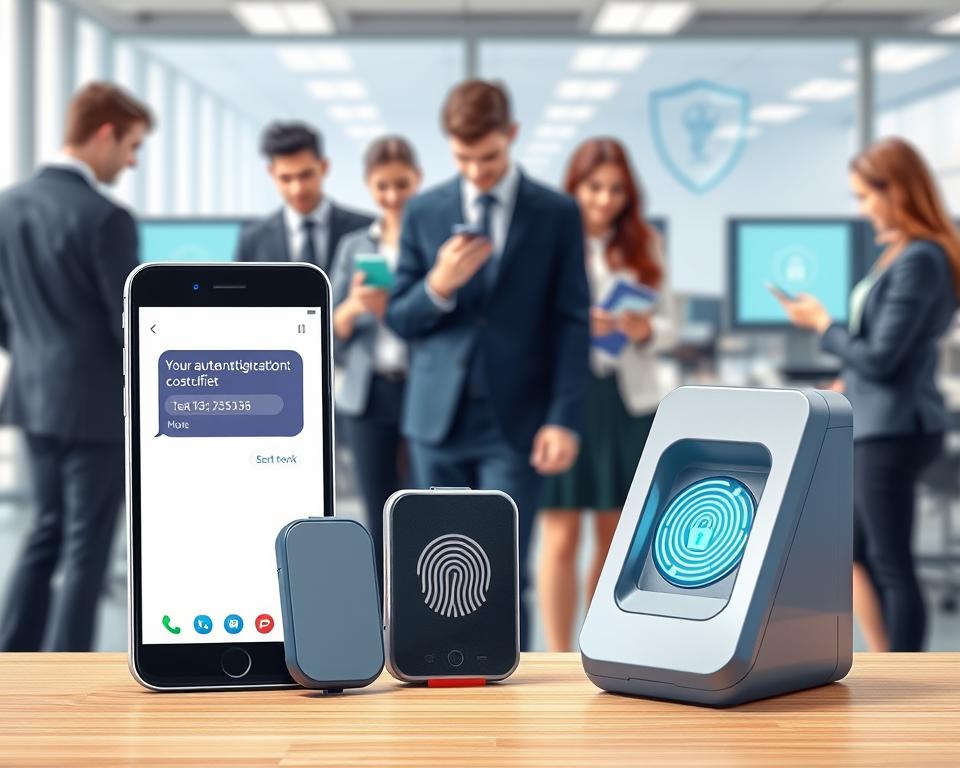
Getting a code via SMS or call is a common 2FA method. It’s easy to use and works well for many. But, it’s not the safest because of risks like SIM swapping and phishing.
Even with these risks, many people use SMS and calls for 2FA because it’s easy. To be safer, use a landline or a trusted mobile number.
Authentication Apps
Apps like Google Authenticator and Authy are safer. They create time-based passwords that add an extra layer of security. Using an app makes SMS-based 2FA much safer.
Apps are easy to use and keep your data safe. Just make sure to update your app often and have a backup plan for your device.
Email Verification
Email verification sends a link or code to your email for 2FA. It’s easy but not as secure as other methods, mainly if your email isn’t well-protected.
To stay safe, make sure your email is strong and has its own 2FA if you can.
Hardware Tokens
Hardware tokens are the most secure option. They’re physical devices that create a one-time password or use cryptography. “They’re very secure because they can’t be hacked by malware or phishing,” experts say.
While they’re the safest, tokens can be pricey and less convenient. But for those needing top security, like businesses or governments, they’re a great choice.
Benefits of Using Two-step Verification
Enabling two-step verification adds a strong layer of protection to my online world. This extra step has greatly lowered the chance of someone getting into my accounts without permission.
Enhanced Security
The main perk of two-step verification is the enhanced security it brings. Even if someone gets my password, they can’t get into my account without the second step. This is a big win against phishing and password hacks.
For example, when I log in from a new device, I need to enter a code sent to my phone. This simple step has blocked many unwanted login attempts. It makes me feel safe with my account.
Peace of Mind
Two-step verification also gives me peace of mind. I know my accounts are extra safe, so I can use online services without worry. This is key when I’m handling sensitive stuff or making financial deals.
Using two-step verification has really upped my online security game. My digital identity is now safer. I can use online services without the constant worry of being hacked or having my info stolen.
Choosing the Right Two-step Verification Method for Me
Effective account security starts with picking the right two-step verification method. It should fit my lifestyle. There are many options, so I need to know what I need and what’s available.
Assessing My Needs
To pick the best method, I must think about a few things. I need to consider how secure it is, how easy it is to use, and if it works with my devices. For example, if I’m always on the move, I might prefer something that doesn’t need the internet.
Security Level: I have to think about how sensitive the info I’m protecting is. For very important accounts, something like a hardware token might be better.
Convenience: Security is important, but the method also needs to be easy to use. If it’s too hard, I might stop using it.
Understanding Available Options
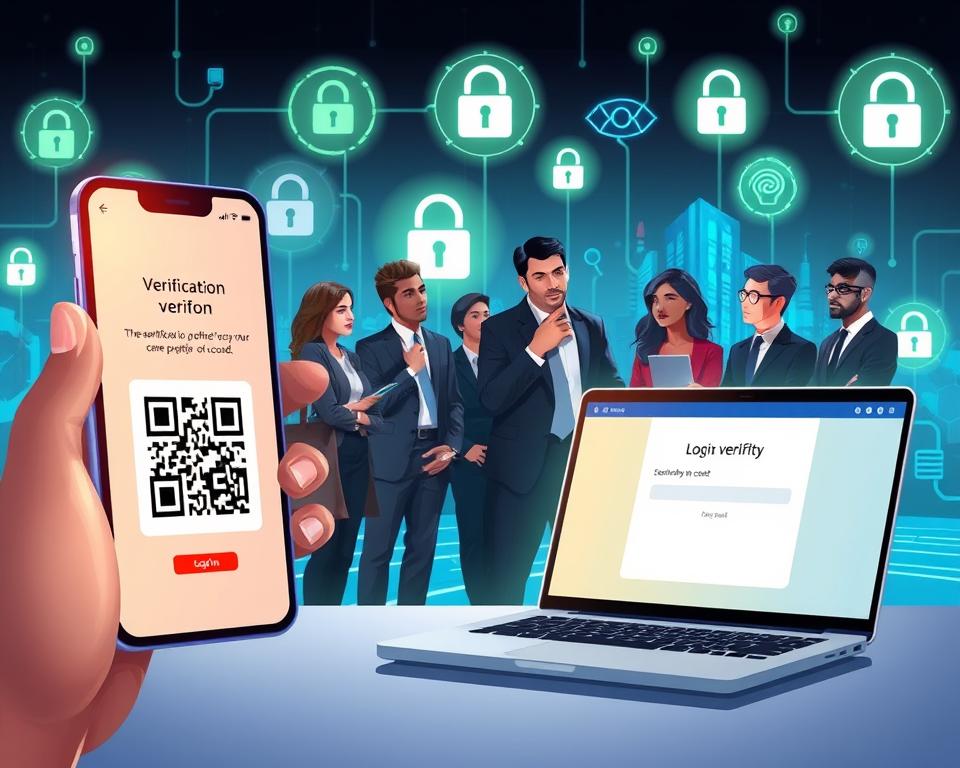
After figuring out what I need, I can look at the options. There are SMS and phone calls, apps, email, and hardware tokens. Each has its own good and bad points.
- SMS and Phone Calls: They’re easy but can be hacked if someone gets my SIM.
- Authentication Apps: They’re safer than SMS because they don’t use the phone network.
- Email Verification: It’s simple to set up but not safe if someone gets into my email.
- Hardware Tokens: They’re very secure but you need extra hardware.
By looking at what I need and what’s out there, I can find a two-step verification method. It should be both secure and easy to use for my life.
Setting Up Two-step Verification: A Step-by-Step Guide
Setting up two-step verification is easy and boosts your account security. Just follow a few simple steps to add extra protection to your online accounts.
Step 1: Selecting an Account
First, pick the account you want to secure with two-step verification. It could be your email, social media, or banking account. Choose an account with sensitive info or is key to your online life. Then, go to its security settings.
Step 2: Choosing a Verification Method
Next, pick how you want to verify. You can use SMS, phone calls, apps, email, or hardware tokens. Think about what’s easy and safe for you to choose the best option.
Step 3: Completing the Setup Process
After picking your method, follow the instructions to set it up. You might need to enter a code or scan a QR code. Save backup codes in case you can’t use your main method.
By doing these steps, you’ve set up two-step verification. This makes your account much more secure.
Troubleshooting Common Two-step Verification Issues
Two-step verification makes our accounts much safer. But, it can sometimes cause problems. I’ve found a few common issues that can be fixed with some troubleshooting.
Failed Verification Attempts
One big issue I face is when verification fails. This can happen for a few reasons:
- Incorrectly entering the verification code
- Poor internet connectivity affecting the code delivery
- Time sync issues between my device and the authentication server
To fix this, I make sure to enter the code right. I also check my internet and sync my device’s time.
Lost Access to Verification Method
Another problem is losing access to the verification method. This can happen if I lose my phone or authentication app. Here’s what I do:
- Use backup codes provided during the initial setup
- Contact the service provider’s support team for assistance
- Reset my two-step verification settings if possible
It’s key to keep backup codes safe and easy to find. This way, I won’t get locked out of my accounts.
Knowing about these issues and how to solve them lets me keep using two-step verification. It helps keep my accounts safe.
Maintaining Two-step Verification for Ongoing Security
Keeping my accounts safe is more than just setting up two-step verification. It’s a continuous effort. As online security practices change, so must my protection methods.
It’s important to regularly update my verification methods. This means using newer, more secure methods as they come out. It also means adjusting my settings to follow new security rules.
Regularly Updating My Verification Methods
Keeping my verification methods current is key to avoiding security threats. For example, if I’m using SMS, I might switch to an app for better security. A report by
“Cybersecurity experts recommend using authentication apps over SMS for two-step verification due to the higher security they offer.”
This change can greatly improve my account’s security.
| Verification Method | Security Level | Ease of Use |
|---|---|---|
| SMS/Phone Calls | Medium | High |
| Authentication Apps | High | Medium |
| Hardware Tokens | Very High | Low |
The table shows different methods have different security and ease levels. By regularly checking these, I can pick the best for me.
Monitoring Account Activity
Another key part of keeping two-step verification working is watching my account activity. I need to check my logs for any odd activity and know about any changes to my settings.
By being alert and keeping my methods current, I can keep my accounts safe. As multi-factor authentication is a big part of online security practices, keeping it up is very important.
In summary, keeping two-step verification going is a never-ending job. It needs regular updates to methods and constant watch on account activity. By doing this, I can really boost my account’s security.
Frequently Asked Questions About Two-step Verification
In my quest to boost online security, I’ve run into many questions about two-step verification. Let’s tackle some of the most common ones to clear up any confusion.
Many ask if two-step verification is really needed. The answer is yes. With more cyber threats, two-step verification is a vital extra layer of protection for your online accounts.
Setting up two-step verification is another frequent question. For step-by-step instructions, check out Google’s support page on the subject.
People also wonder about the different authentication methods out there. Here’s a quick rundown:
| Method | Description | Security Level |
|---|---|---|
| SMS/Phone Calls | Receives a verification code via SMS or phone call | Medium |
| Authentication Apps | Generates a time-based verification code | High |
| Email Verification | Receives a verification link/code via email | Low-Medium |
| Hardware Tokens | Uses a physical token to generate/authenticate | Very High |
As shown, there are many methods to pick from, each with its own security level. It’s key to choose one that fits your needs.
Some worry that two-step verification is too much trouble. While it does add an extra step, the benefits in security are well worth it.
In summary, understanding and using two-step verification is a big step up for your online safety. By picking the right method and knowing the FAQs, you can greatly lower the risk of your accounts being hacked.
My Final Thoughts on Two-step Verification
Exploring two-step verification shows it’s a simple yet powerful way to boost account security. It adds an extra layer of protection. This helps keep your online presence safe from unauthorized access.
Setting up two-step verification is key to strong online security. It’s easy to do and offers big benefits. The effort is minimal, but the rewards are huge.
I urge you to secure your online world by enabling two-step verification. There are many methods to choose from. Pick the one that fits your needs best. This way, you protect your data and help make the internet safer for everyone.
By focusing on account security and using strong online practices, you’ll have a safer online life. Start protecting your digital identity today. It’s a step in the right direction.